
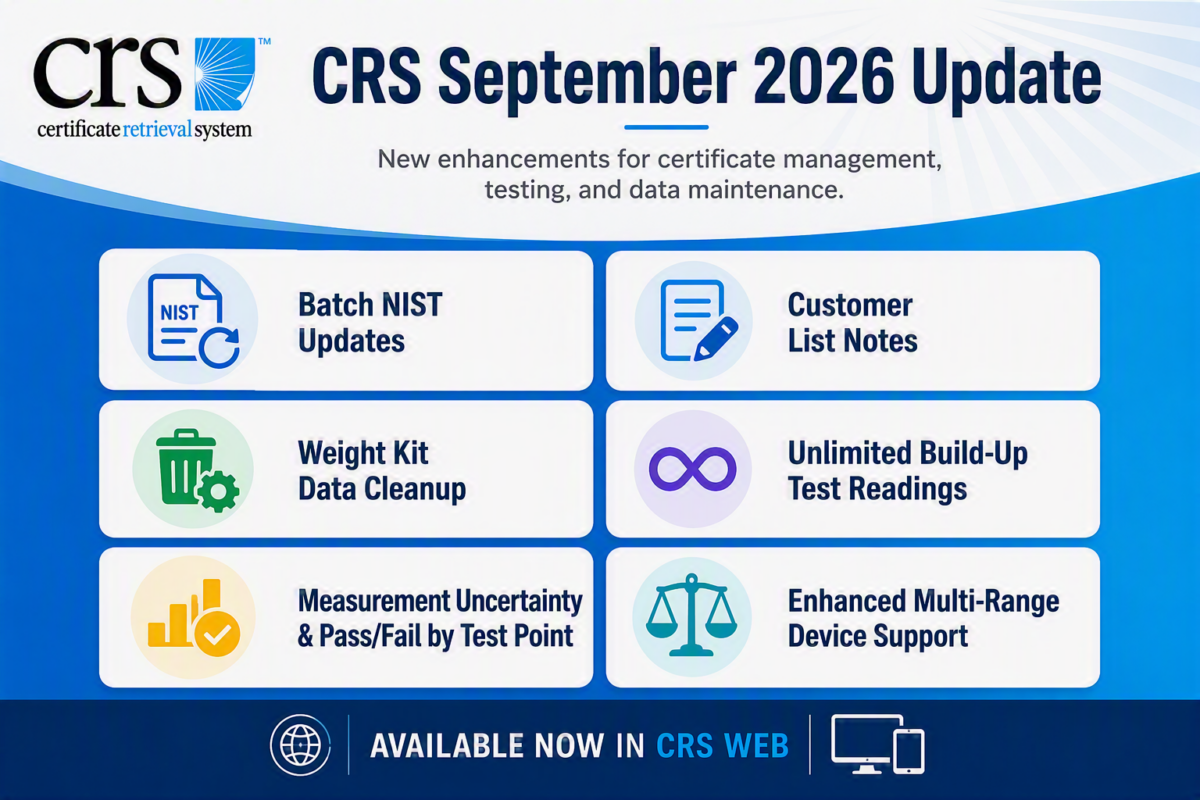
Batch Update Weight Kits to a Renewed NIST Certificate
Managing renewed NIST certificates is now faster and easier. Instead of updating weight kits one at a time, users can now update all weight kits associated with the same expired NIST certificate in a single batch.
To use this feature, select the expired NIST certificate to view all linked weight kits, then choose the new renewed NIST certificate that will replace it. Once you click Update, CRS will automatically update all associated weight kits to the selected certificate.
Display Notes in the Customer List
A new configuration option has been added that allows customer notes to be displayed directly on the Customer List page, making it easier to view important customer information without opening individual customer records.
To enable this feature, navigate to: Admin > Configuration > Customer Setup > Display Notes in Customer List
When enabled, a Notes column will be added to the Customer List, displaying customer notes alongside other customer details. This provides quick visibility into important information such as account instructions, special requirements, reminders, or service-related notes.
Data Cleaning: Remove Disabled Weight Kits
The Data Cleaning utility has been enhanced to include Disabled Weight Kits as a cleanup option for administrators.
To help keep your CRS database organized and free of obsolete records, administrators can now remove disabled weight kits from the system. This new option is available alongside existing data cleaning tools for items such as Technicians, Certificates, and Scales.
To access this feature, go to: Admin > Data Cleaning
Note: This feature is available to users with Administrator privileges only.
Unlimited Build-Up Test Readings
Measurement Uncertainty and Pass/Fail by Test Point
A new option has been added to enable this feature. When enabled, the applicable certificates have been enhanced to display Measurement Uncertainty (MU) and Pass/Fail results for individual test points.
This update includes changes to the certificate layout to support:
- Pass/Fail results for each line within Shift Tests and Test Point sections
- Measurement Uncertainty (MU) calculations at the individual test point level
- Automatic conversion of MU values to the scale’s Unit of Measure (UOM) to meet NISTIR 6919 requirements
- Improved visibility of compliance and tolerance results throughout the certificate
To enable, go to: Admin > Forms. Set-up on each individual form as needed using the Show Measurement Uncertainty On Certificate setting.
Enhanced Support for Multi-Range Devices
CRS supports multi-range scales ensuring the system will display the correct division sizes for the various ranges set on the scale. The lower range will always be used when setting the correct division size to use for each load test point.